
1/7
Model Overview & Print Notes
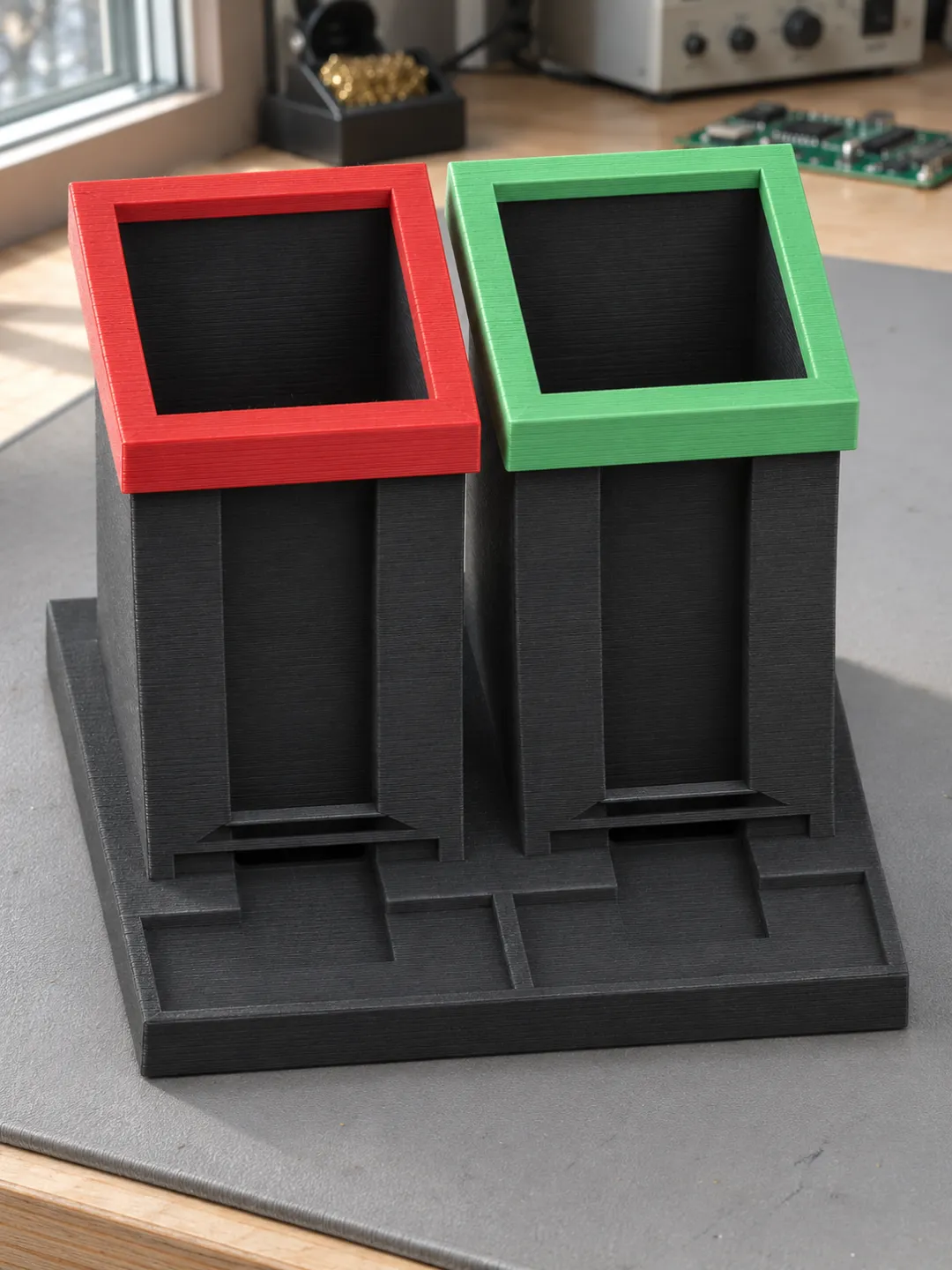
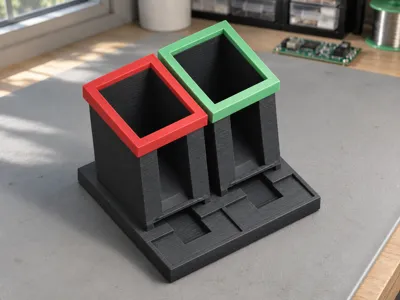
After a shoot used SD cards are placed in the left red slot. The right green slot holds cards that have been reapproved after backing up and formatting. The oldest card is always at the bottom. Push it slightly forward through the finger recess and pull it flatly out over the small tray. A ridge above the output opening holds the card back during straight pulling out.
The print files are designed for full-size SD cards with 2.1 mm thickness. You can see the stack through the open front slots. The colored rings are fitted on. Dimensions and the process for the first fitting test with empty cards can be found in the assembly instructions.




💬MakerWorld Community Comments(0)
★MakerWorld Original Reviews