Model Overview & Print Notes

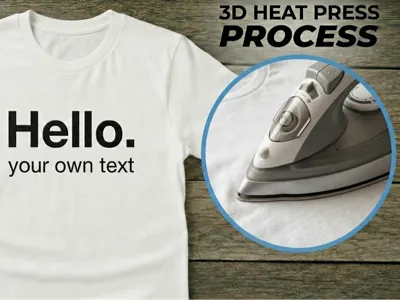
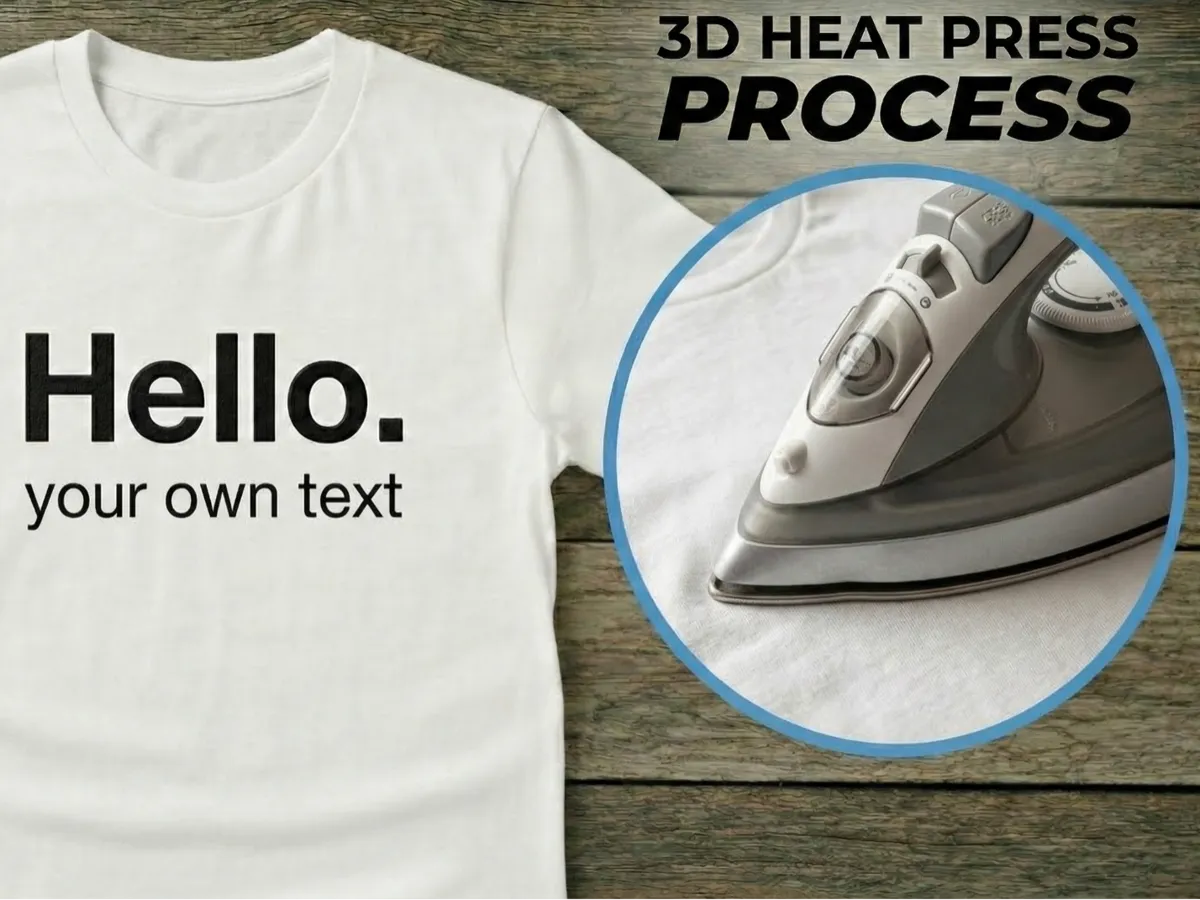
custom text on your shirt.

Boost Meif you like it.


3D print for your t-shirt. How do you do it? 1. You need baking paper and an iron. 2. Place the print on the t-shirt as you want it. 3. Place the baking paper on top. 4. Then go over it a few times with the iron until it's secure. Done.🙂 Check out my other t-shirt prints.😄


if you make it bigger or smaller make sure it is 0.30mm thick (2 layers)


USE TPU IF YOU WANT TO WASH IT!!!

💬MakerWorld Community Comments(64)

★MakerWorld Original Reviews
🔄 Loading comments from MakerWorld...
MakerWorldMakerWorld✓ Verified Model

T-shirt print - your own text.

View Source ↗
⬇ Downloads2.2K
♥ Likes704
👁 Views—
⚙ Print ReadyPrint Ready
MakerWorldOpen on MakerWorld↗

Download, slice and print this model in the MakerSpell app — available on Android and Windows. Get the app

0.16mm layer, 2 walls, 15% infill
⏱ 3h 46m· 🖨️ 1 Plate· ⚖ 1g
ℹ️ Details

License & Copyright Terms

⚖️Standard Digital File License
🔒Personal Use Only (Commercial Sales Prohibited)
✂️Remix & Sharing: Subject to Platform Terms
🏷️Source: MakerWorld Original Publication