
Model Overview & Print Notes
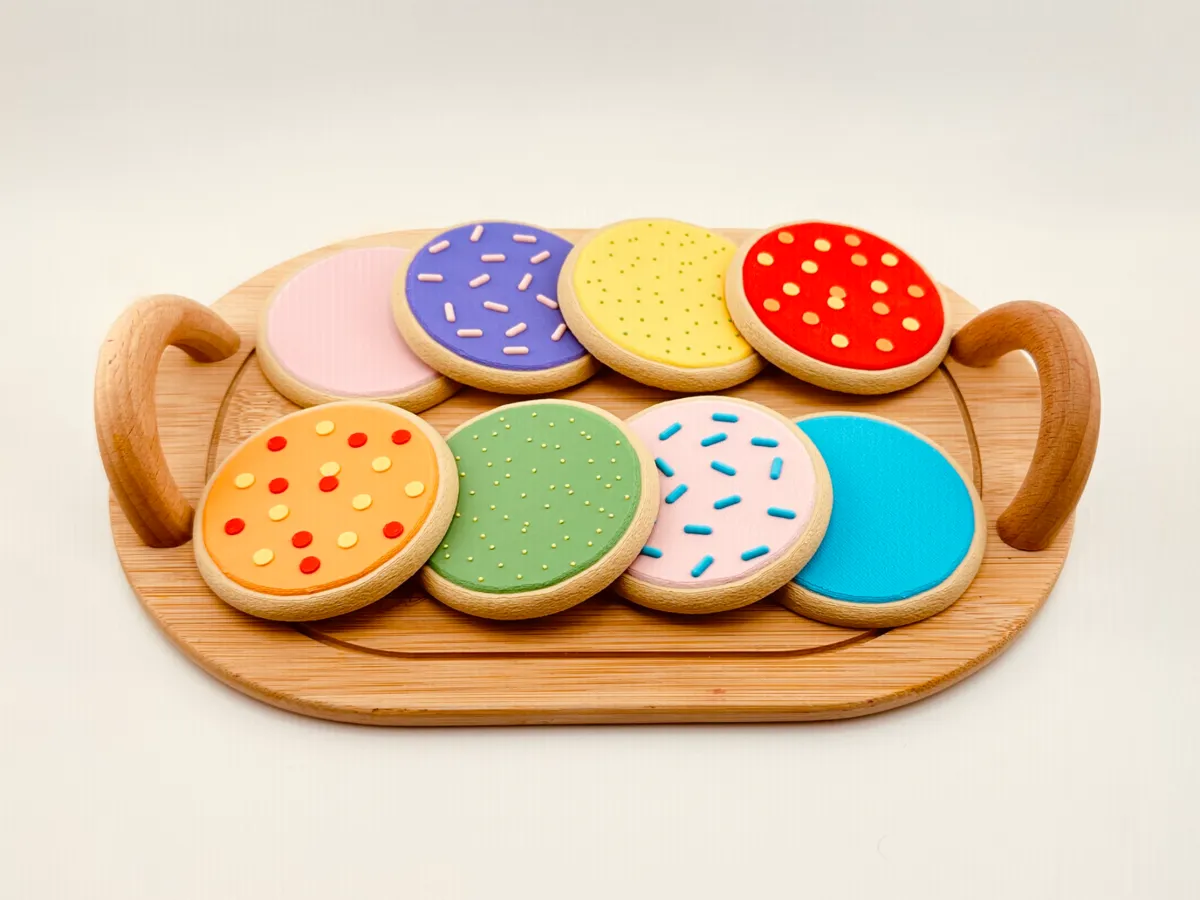
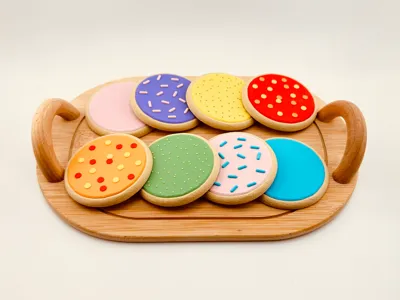
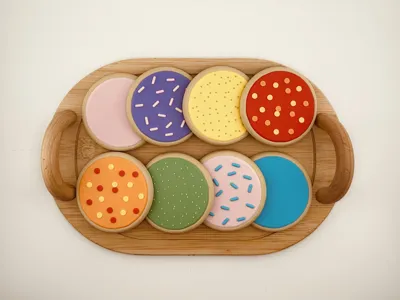
Another chapter in my cookie crusade: SUGAR COOKIES! I'm just here to make my kids happy, this time with some colorful sugar cookies.
I took a break from some of my practical prints to pursue a passion: spoiling my kids! I currently have two young “bakers” at home who are OBSESSED with pretending to bake cookies for everyone and anyone. Personally, I think the holidays are responsible for this. I decided to spend my free time trying to create some high-quality cookie replicas for my little bakers- and ones that looked good enough to eat.
I am including two profiles, one for those with an AMS and one for those without an AMS. If you choose the AMS profile, you will have the option to select multiple colors for the sprinkles if you desire.
There is a change to the printer settings (layer height limits) that should be included with the print profiles. However, if you are using the Bambu Handy app, be warned that it will automatically change these back to the default printer values. I recommend everyone recheck these settings before printing, steps below:
- Open the file in Bambu Studio (desktop app).
Go to the printer settings by clicking the button in the upper right corner of the printer icon.
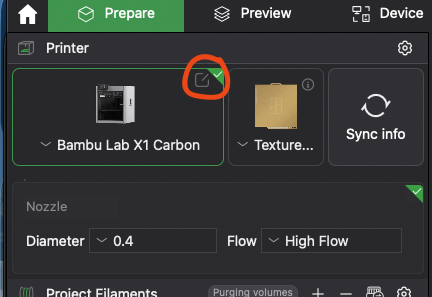
- Click on the “Extruder” tab.
Under “Layer heigh limits” change Min to 0.04mm and Max to 0.2mm.
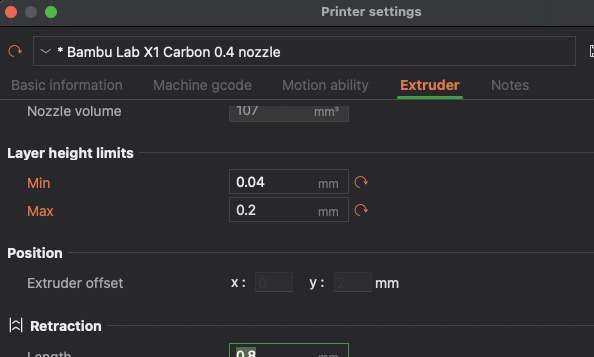
This will help with allowing the Fuzzy Skin setting low enough to really get that cookie dough texture on the base.
Finally, a couple of notes:
- My kids' hunger is insatiable. More cookie models will follow.
- Please leave a comment if you've tweaked settings in a way that you think improves any of the profiles and I will try them out!
- Looking to make things faster at the tradeoff of quality? Turn off these settings (in recommended order) to shave time off your print: variable layer height, Fuzzy Skin (set to none- you can revert the extruder settings to default values if you do this), Ironing.
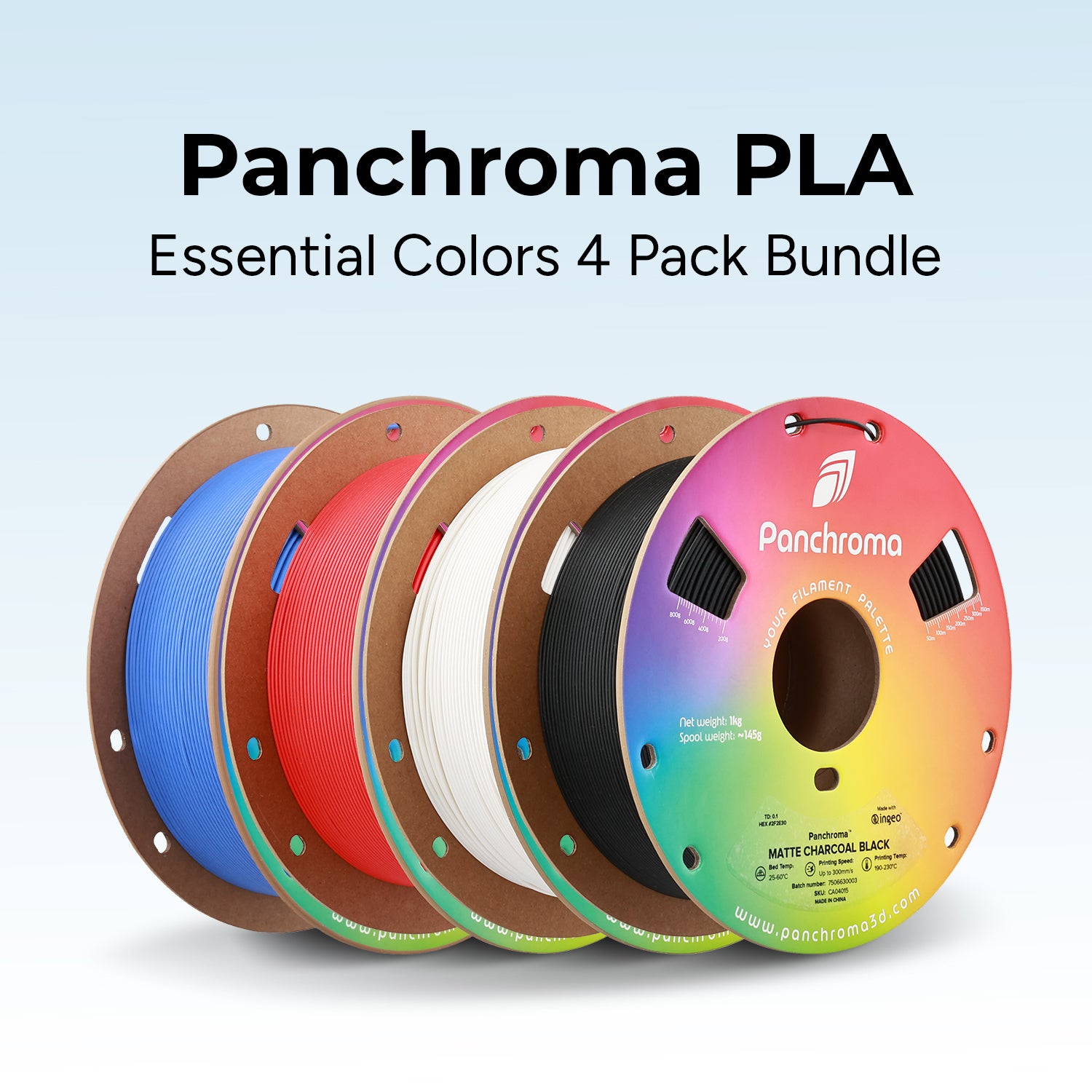
- Check out the Bill of Materials for this model if you want links to which filaments I used in my pictures. I used exclusively PLA Matte.
- Double check the listed profile settings to make sure Bambu imported them correctly.
💬MakerWorld Community Comments(54)
★MakerWorld Original Reviews