
1/6
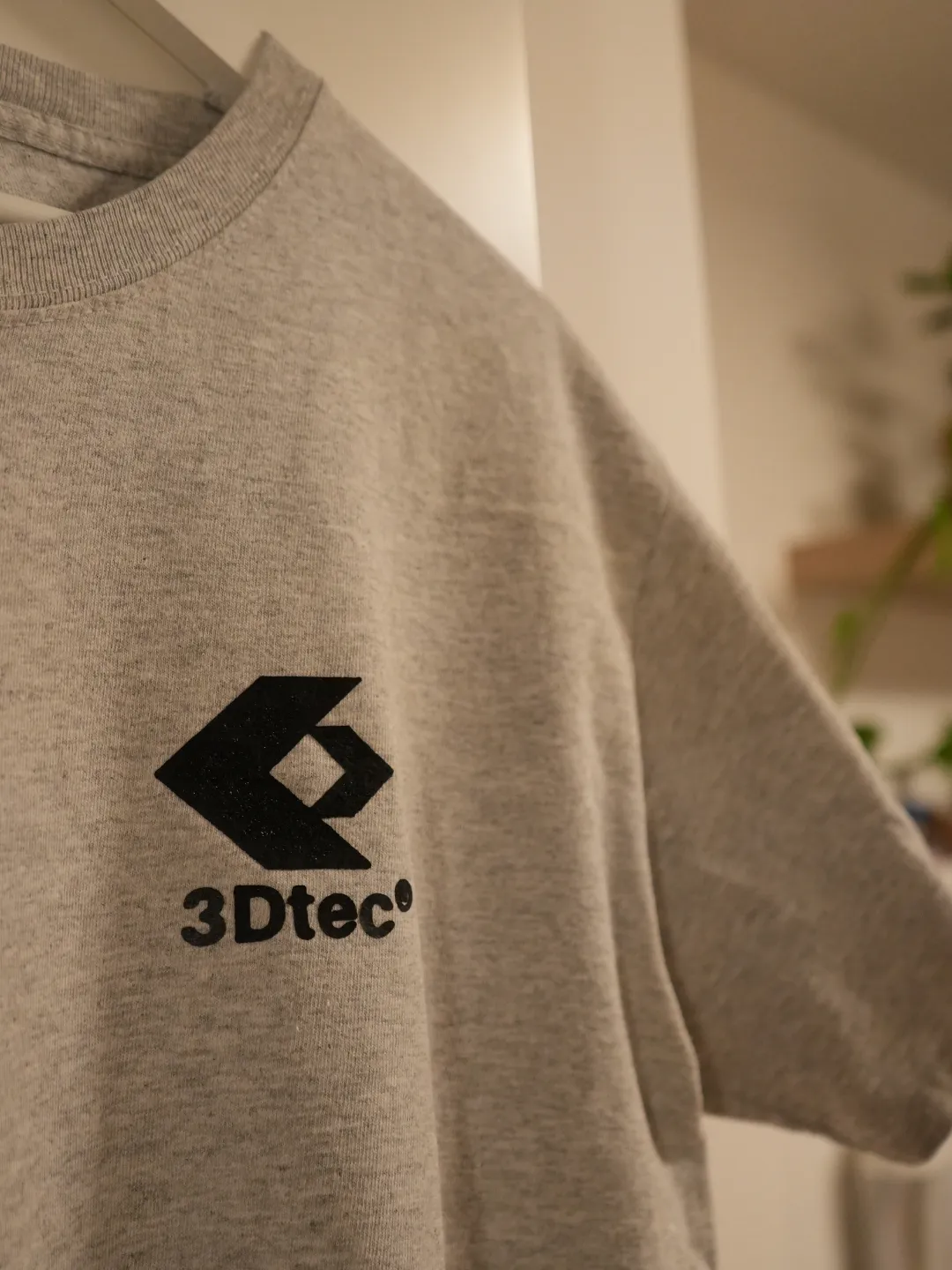
Model Overview & Print Notes
This project demonstrates how to 3D print a custom logo or text that you can transfer onto fabric using TPU filament.
This technique opens up new possibilities for fashion design and allows for unique textile customizations.
Project Files:
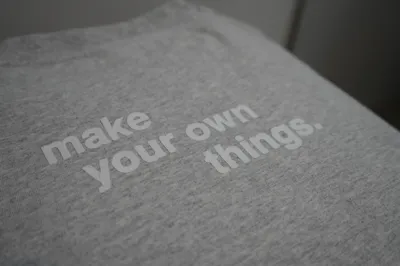
- “make your own stuff” logo
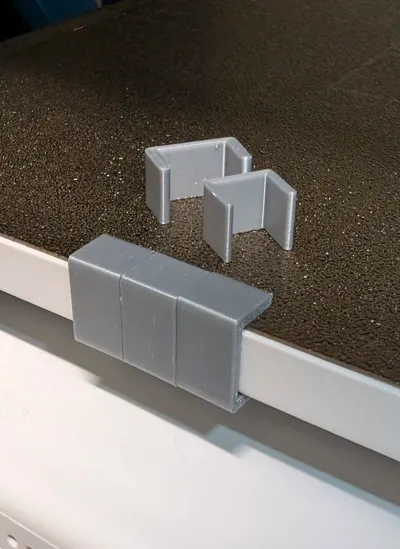
- clips for A1 Mini bed for holding baking paper
Materials Needed:
- TPU filament
- Fabric of your choice
- iron
Video Tutorial:
For a step-by-step guide, watch this video:
How to 3D Print your own FASHION!
Instructions:
- Download the .3mf file and print the clips. (or you find another way to fix the baking paper)
- mirror your logo or text in the slicer and print slowly with TPU settings.
- Secure the bakingpaper (sprayed with adhesive or hairspray) on the print bed
- Start the print and monitor the process to ensure proper adhesion of TPU to the bakingpaper.
remove skirt and transfer with iron to the fabric. (watch video for detailed steps)
This project is a great way to integrate 3D printing into fashion and create personalized textiles. 🚀👕



💬MakerWorld Community Comments(436)
★MakerWorld Original Reviews