

Model Overview & Print Notes
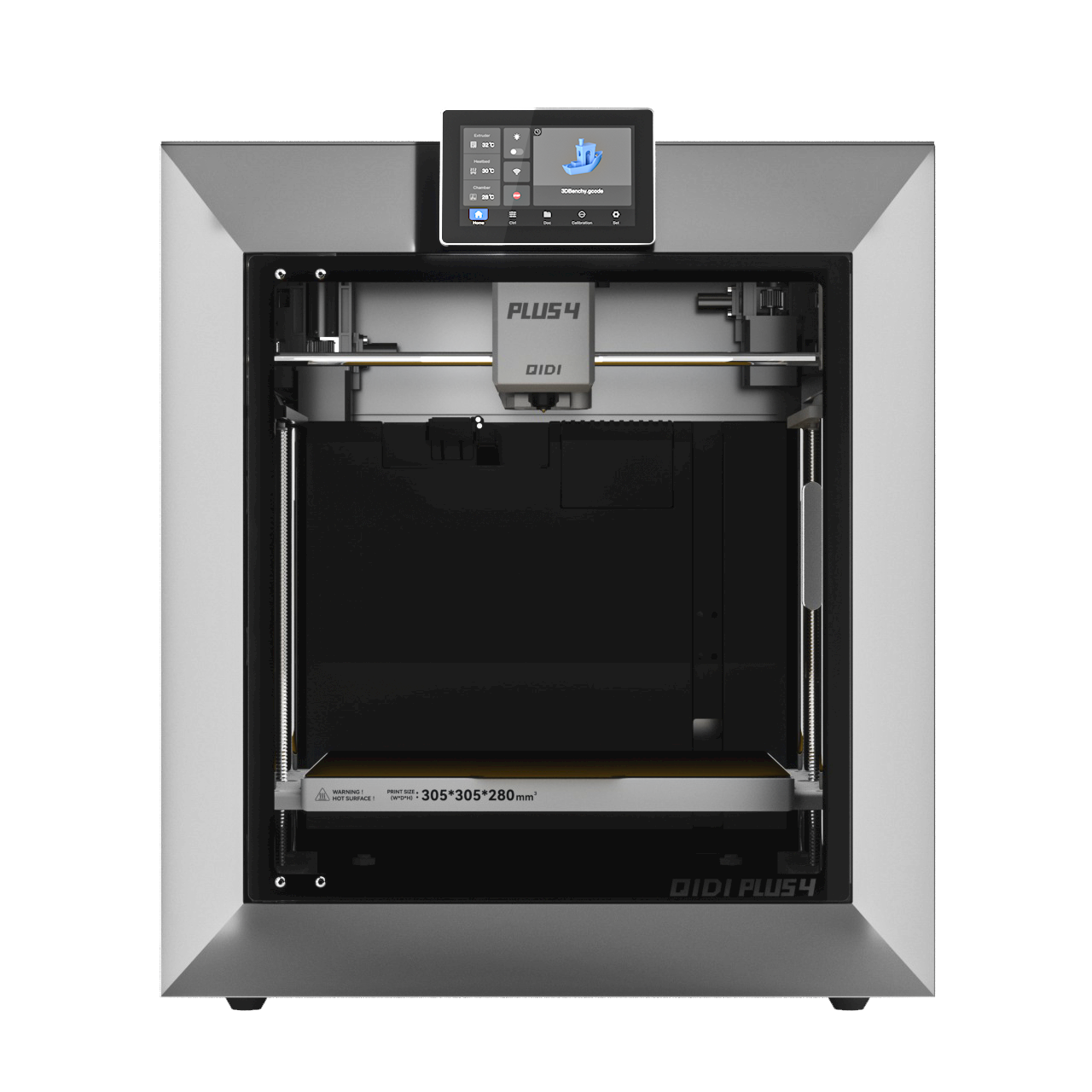
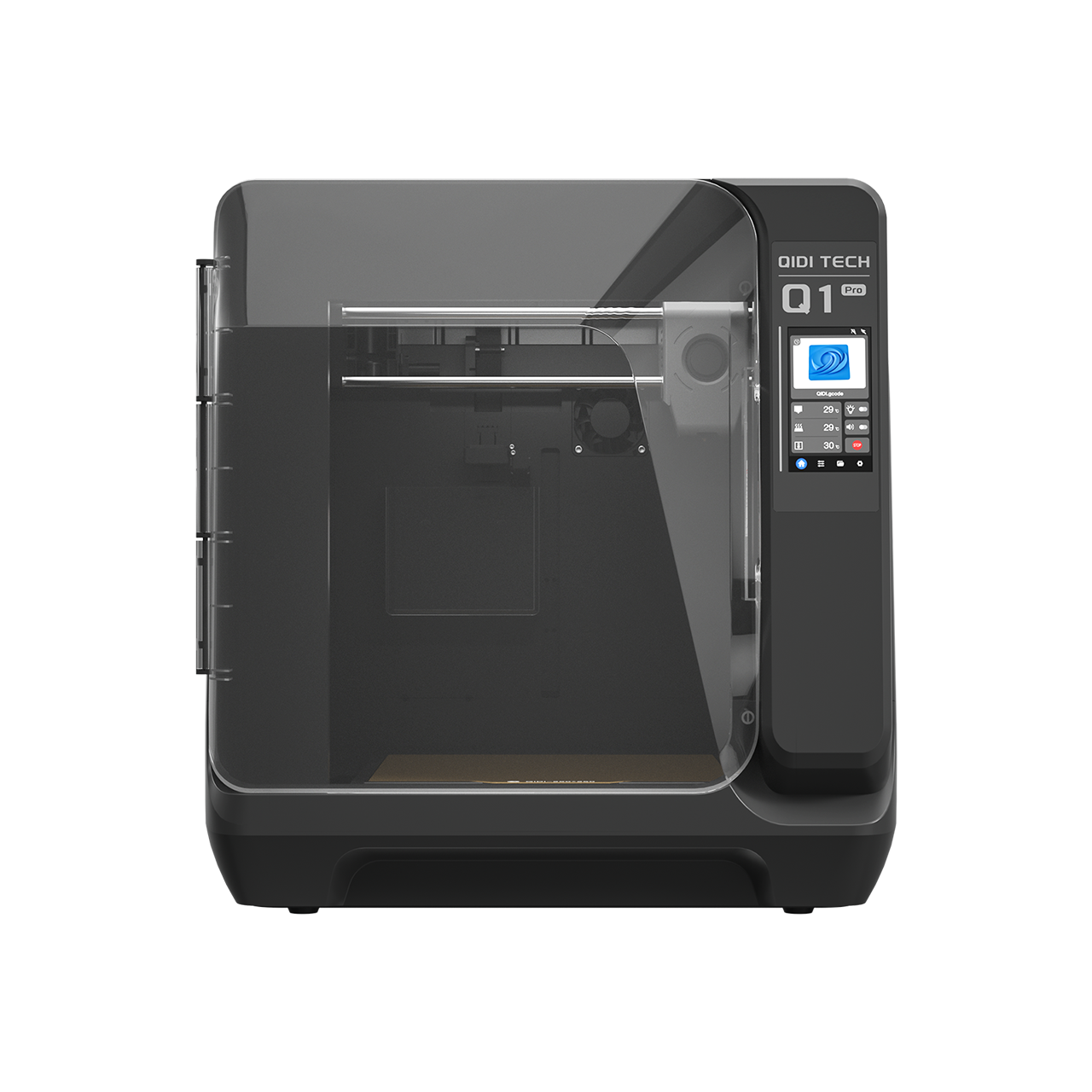
MULTIBOARD ADAPTER NEW: Qidi 5% off | Coupon code: Darren3dPrint (see Discount code pdf for more codes) CHANGELOG: I have corrected some issues with the hooks and holders. A revised print profile and parts were uploaded. Unfortunately I do not have the printer to fully test. If there are any issues please let me know and I will promptly correct these. Thank you for your understanding. The model is for a side mounted attachment for a Multiboard panel. The system works with the Qidi Plus 4 D3P Risers. You can find more information about the Qidi Plus 4 D3P risers by clicking on the link: https://cults3d.com/en/3d-model/tool/qidi-plus-4-d3p-riser The model consists of hooks to attach to the riser and adapter to snap on the Multiboard. You will need to look on the Mutiboard site for the Part B snap connectors: https://www.multiboard.io/ . The adapter can be mounted on the right or left side of the riser (as referenced when facing the printer). Plate 1 is for the right side and plate 2 is for a left side mount. IMPORTANT: If you mount the Multiboard on the left of the printer (as referenced when standing in front of the printer and looking at it) the bolt will be a LEFT HAND THREAD which means you will need to turn COUNTER-CLOCKWISE TO SCREW IT IN AND CLOCKWISE TO UNSCREW IT! A pdf instruction guide is also provided. Unfortunately I am not all that familiar with the Multiboard system so I suggest you look at their website https://www.multiboard.io/ if you have any questions about generating your Multiboard or obtaining components for it. Thank you 3D PRINTING PRINT SETTINGS IMPORTANT I upload a print setting files for all my models. The print settings has the parts positioned for correct printing. I strongly recommended you use my print setting file. If not, I will not be able to assist you if there is an issue when printing. From experience, many of the issues with printing my models are on account of users not using my print settings. A left and a right side option is provided. IMPORTANT: If you mount the Multiboard on the left of the printer (as referenced when standing in front of the printer and looking at it) the bolt will be a LEFT HAND THREAD which means you will need to turn COUNTER-CLOCKWISE TO SCREW IT IN AND CLOCKWISE TO UNSCREW IT! 3D PRINT SETTINGS I use the following settings and materials to print this model: Infill % : 15% (no need for more) Nozzle diameter: 0.4 mm Layer height: 0.2 mm standard ## 3D Printing Settings

💬Cults3D Community Comments(...)
★Cults3D Original Reviews