
1/6
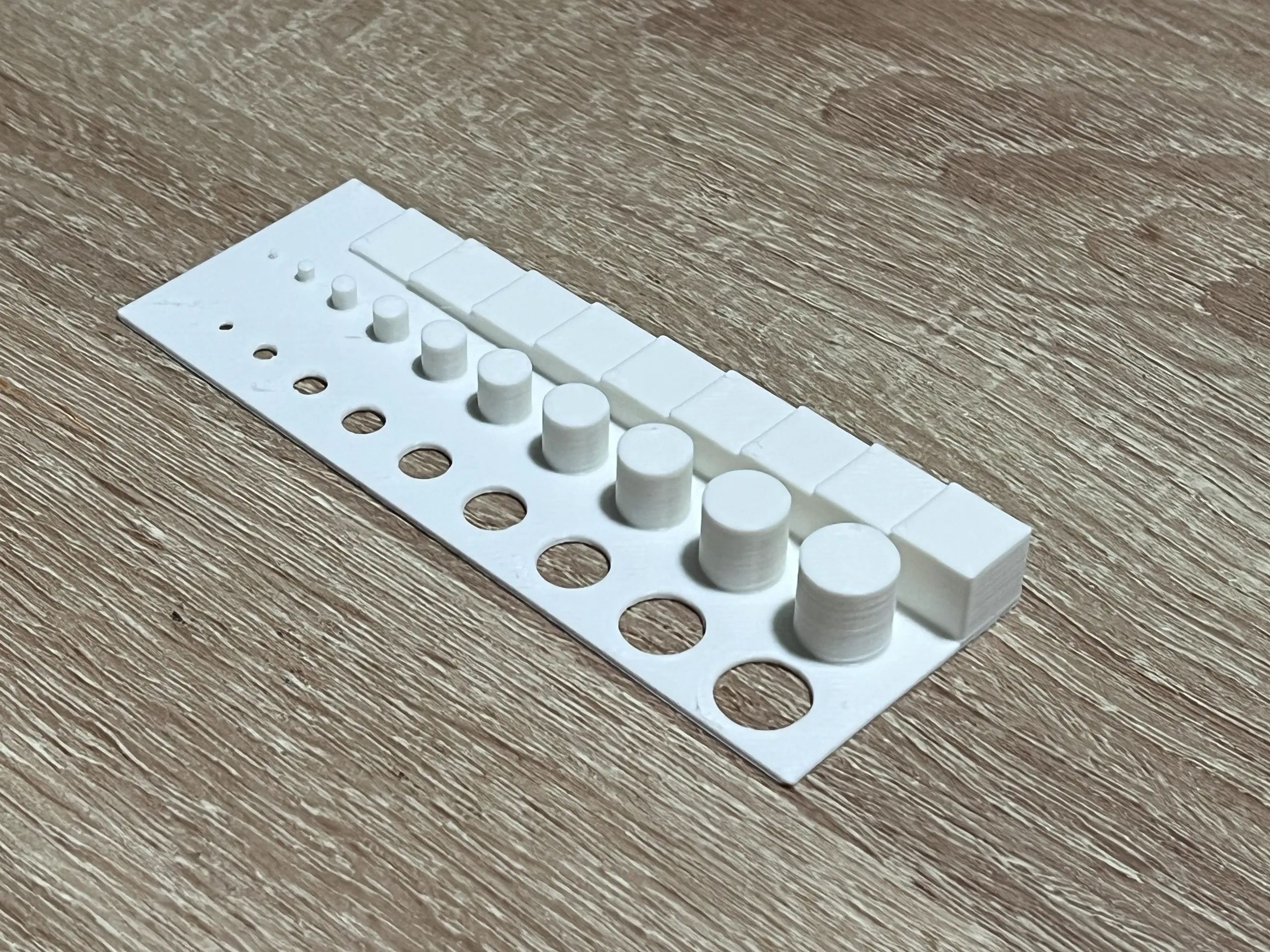
Model Overview & Print Notes
------- ADDED VERSION 2 ------
I'm in TinkerCAD a lot, and it's always hard to tell how big something is on the screen vs how it will print.
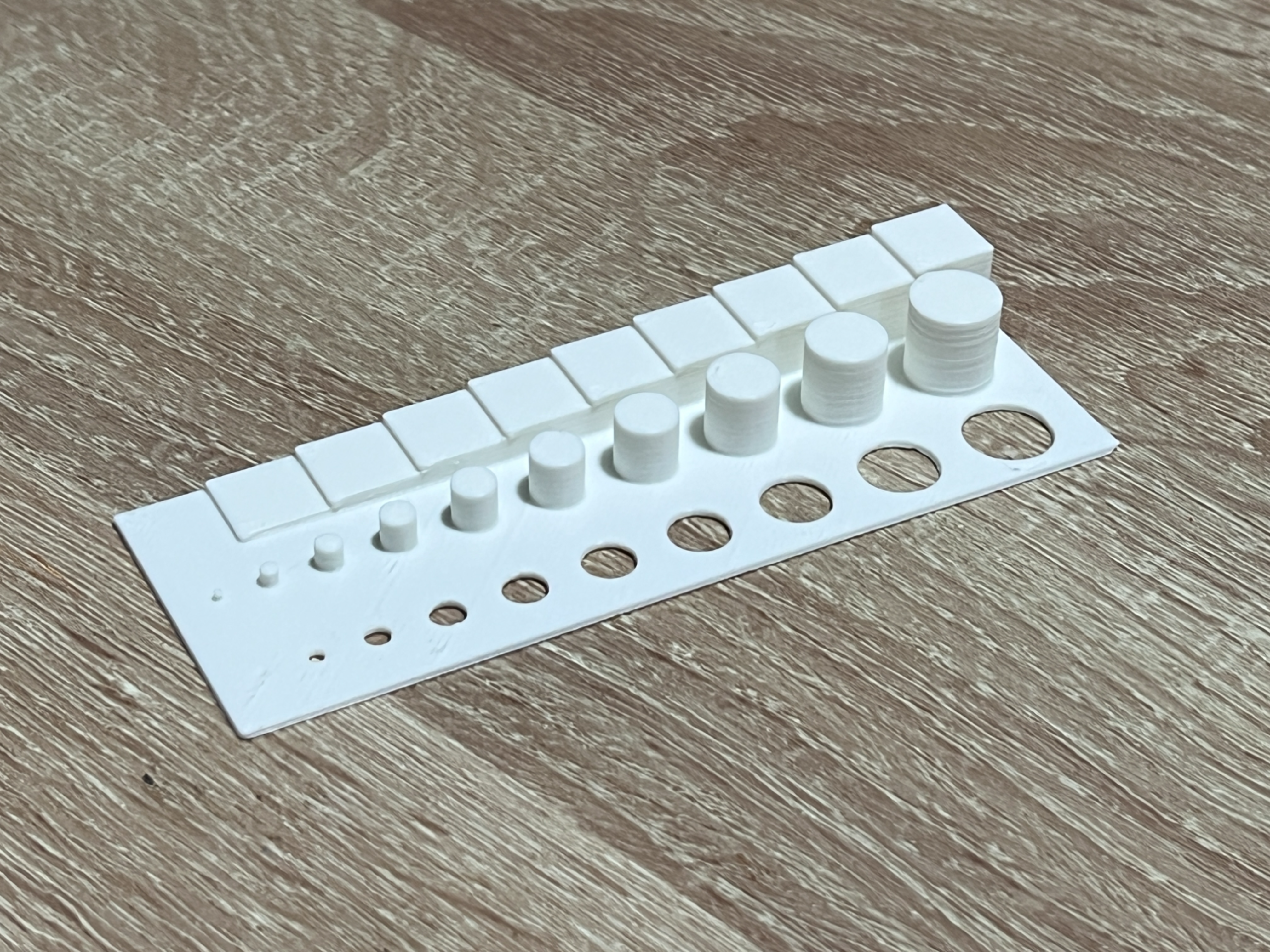
I made this tool to help me gauge the size of things. You could just use a ruler, but I wanted a real representation of how it would be printed.
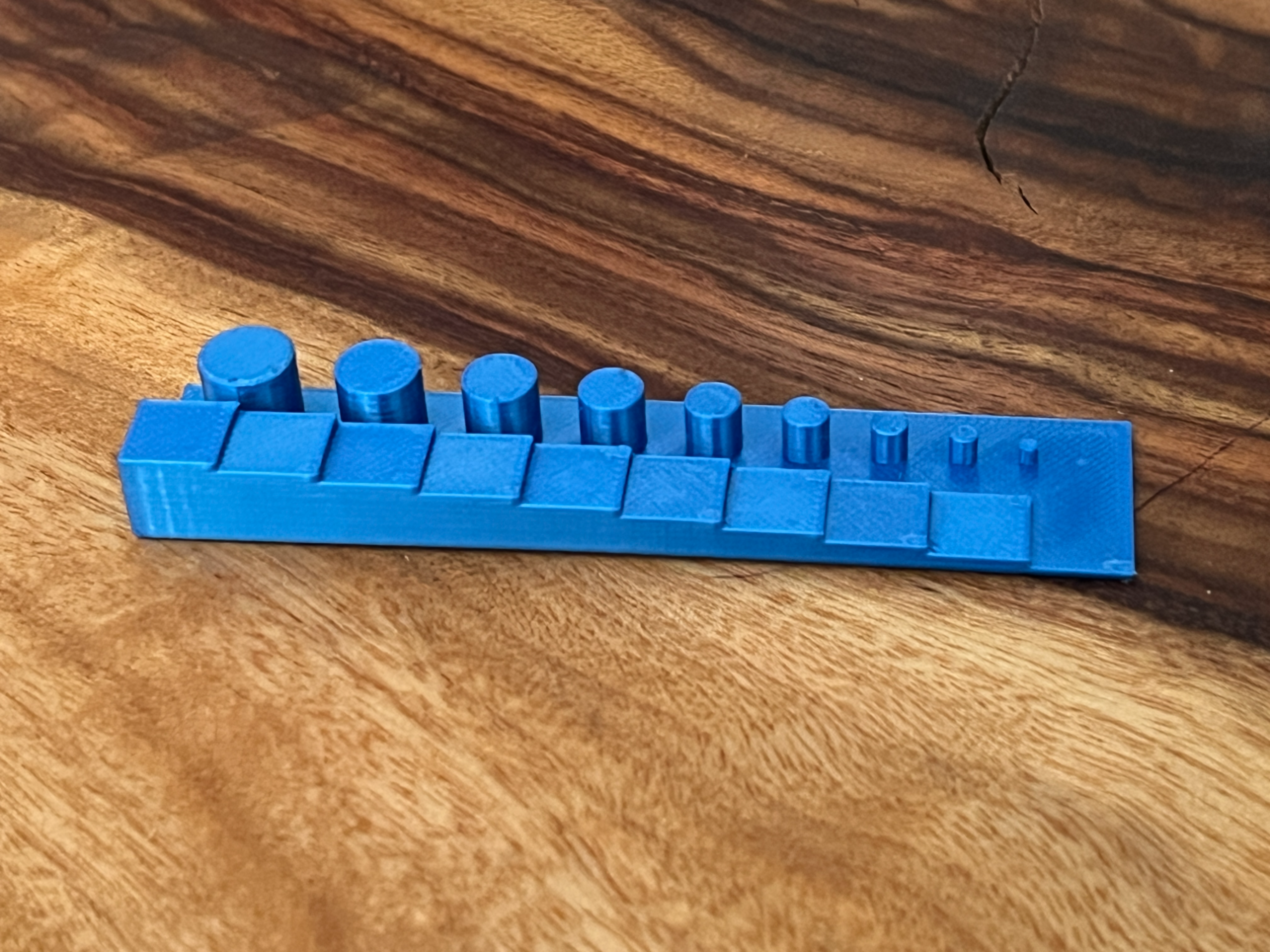
- The tool itself is 100mm long
- Along one row are 10 x 10mm blocks, stepping down 1mm at a time from the tallest to base which is at 1mm
- Along the next row are 10 cylinders, stepping down 1mm at a time in diameter and height, all the way down to a 1mm x 1mm cylinder
- Along the next row are 10 circular cut-outs, stepping down from 10mm in diameter, all the way down to a 1mm
I use it all the time, so I thought I'd share.
Of course your printer calibration and z-index might change the exact measurements slightly, but I've found it's about +-.1mm

💬CrealityCloud Community Comments(...)
★CrealityCloud Original Reviews