
1/9

Model Overview & Print Notes
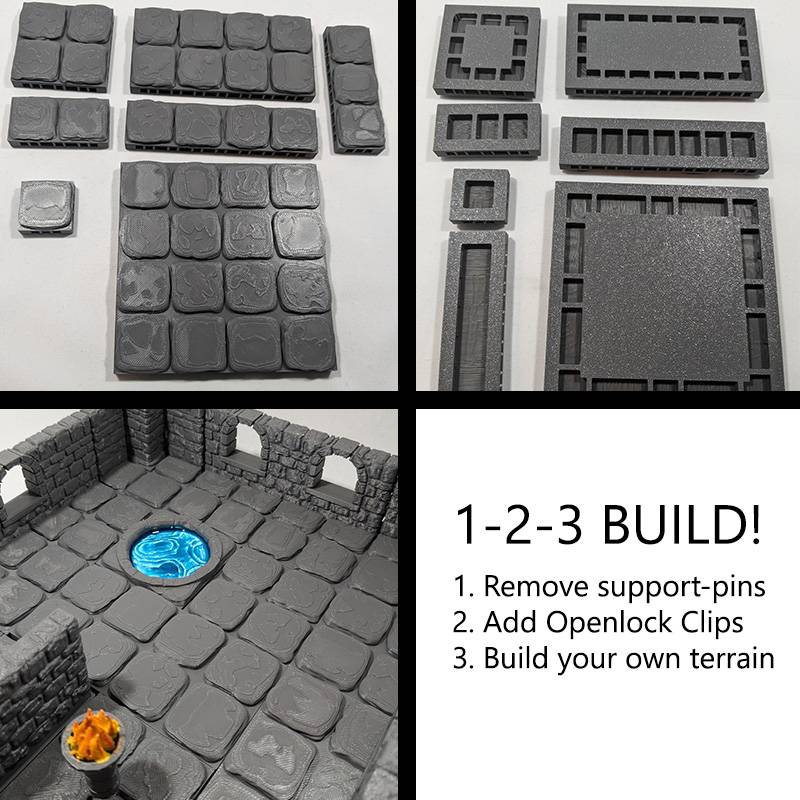
Build your own dungeon with these modular dungeon tiles!
Instructions:
Print the tiles of your choice.
Remove the small supporting pins on the sides.
Print Openlock clips to connect the tiles.
Push one or more Openlock clips into the tiles (depending on the size of the tile 1 can be enough, 2 works best with big tiles).
Connect the tiles together.
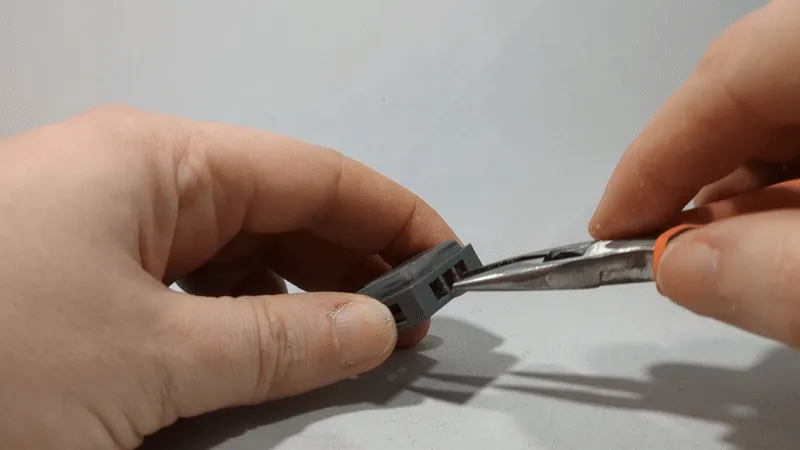
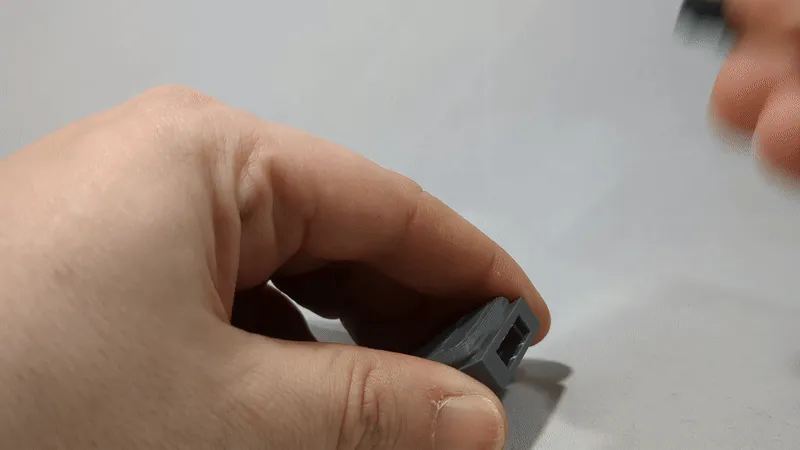
Remix of devonjones's OpenForge 2.0 Dungeon Stone Floor
With the Openlock triplex base you can click the tiles together in a limitless configuration of your choice.
I added additional beams, because I found that printing the big ones without them gives a very bad texture at the bottom. And if I put the time and money in tiles, I want them to be pretty and sturdy.


💬CrealityCloud Community Comments(...)
★CrealityCloud Original Reviews