IMPORTANT: A 3MF (PRINT SETTING FILE IS INCLUDED AND AVAILABLE) YOU MAY NEED TO DOWNLOAD IT SEPARATELY - CLICK ON THE FILE TAB AND DOWNLOAD THE FILE "3mf" THERE IS ALSO AN INSTRUCTION PDF BUT THAT ALSO NEEDS TO BE DOWNLOADED SEPARATELY. YOU CAN ACCESS IT UNDER THE "FILES" - IT IS THE LAST FILE.
WHAT'S NEW
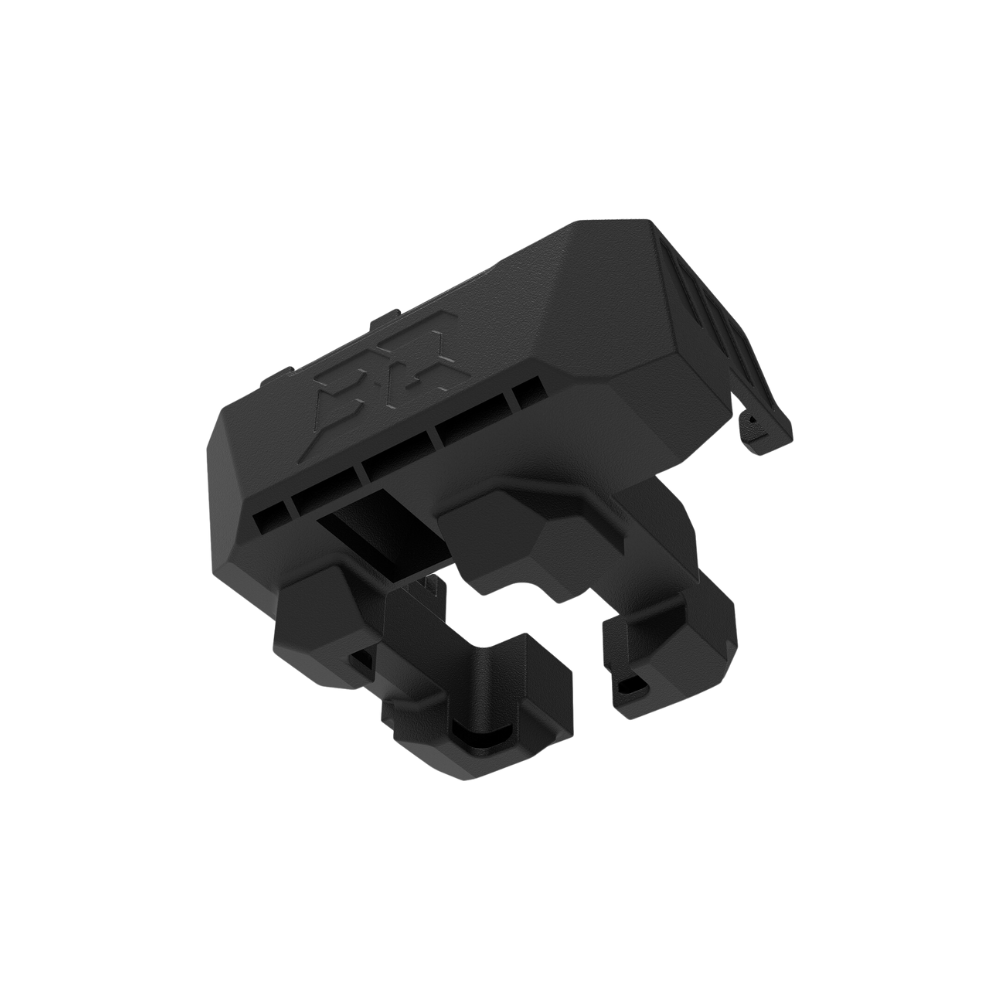
TPU assist module bracket (Made in Meidling's low profile TPU assist mount):https://**********.com/en/models/3080726-d3p-p-x-riser-x-mim-tpu-module-bracket?appSharePlatform=copy#profileId-3469710
TPU assist module bracker: https://**********.com/en/models/3059818-tpu-module-bracket-for-p1-p2-x1-x2-d3p-riser#profileId-3443057
AMS-HT side shelf and drawer: https://**********.com/en/models/3059739-d3p-riser-ams-ht-side-drawer-p1s-x1c-p2s-x2d#profileId-3442957
AMS-HT side sliding shelf: https://**********.com/en/models/3059739-d3p-riser-ams-ht-side-drawer-p1s-x1c-p2s-x2d#profileId-3442957
Dual AMS & AMS-HT extension shelf: https://**********.com/en/models/2972430-d3p-dual-ams-ams-ht-addon-for-p1-x1-p2-x2d#profileId-3333730
I added a modified rear right to pass the Panda Breath cable through - see photos. I updated the packages to include these.
Be certain to have a look at Dirt-E-Bikes new video on P2S and AMS add-ons. There is a code that he gives that can used to download for free my new AMS 2 Pro holder - cable management system for the rear of the D3P riser (link: https://cults3d.com/en/3d-model/tool/ams-cable-management-system-for-h2-p1-p2-x1-d3p-riser). The cable management addon will work for the P1S, P2S, X1C and H2 series D3P riser. The video can be seen on Youtube: https://www.youtube.com/watch?v=wP6IHXl1lyg
Have a look at Dirt-E-Bikes excellent video about the D3P riser and other risers. https://www.youtube.com/watch?v=MLQvEFuRu9Y
Also, get a free model consisting in a custom insert for the P2S D3P riser drawers custom made for the P2S riser. To get a free code you need to get the coupon code by watching Dirt-E-Bikes video (see above link). Link for custom insert (Hint: use the code - no need to pay for the model) : https://cults3d.com/en/3d-model/tool/p2s-drawer-insert
D3P RISER FOR BAMBU LAB P2S by Darren 3d Print
I decided to upload this model to Creality Cloud as some users were having issues purchasing on Cults 3d. All addons for the model are free to download and are or will be uploaded to MakerWorld. The addons for the X1C and P1S D3P riser will all work with the P2S D3P riser. Due to restrictions on external links I will include the link but you will need to manually copy paste it in your browser and replace the "*" with Makerworld. Alternatively you can look at my models on MakerWorld - username Darren 3d Print or follow me there. Thank you for your understanding.
This riser will work with the new Bambu Lab P2S which is deeper than the X1C and P1S. It will be too long (deep) for the X1C and P1S.
The D3P riser for the P2S is also 25 mm (1 inch) taller for better access.
The D3P riser system is an innovative and modular riser system for your 3d printer. It features numerous free to download add-ons allowing you to customize your printer and riser like you want. The design of the D3P riser system is patent pending.
FEATURES
Features of the D3P riser system:
• Front and side adjustable vents;
• Add-on extensions for dual AMS 1 or AMS 2 units;
• Innovative COB LED channels that feature brackets to secure the LEDS in place;
• Top unit is set back to allow easy access to the printer from the top;
• Sturdy and reinforced construction and design to prevent sagging;
• Foldable add-on lid handle to prop the lid open;
• Two large storage drawers with gridfinity style drawer inserts;
• Integrated build plate holder for two build plates;
• Integrated lid holders;
• Opening on inner front for sd card access;
• Multiple add-ons such as a modular tool tray, interchangeable external spool holder and more to come;
• Detailed pdf instructions with pictures and steps;
• Printing requires little or no support;
• Optional Panda Breath cable opening on rear right (see Panda Touch below and Panda Breath below).
NEW: Have look at AJBuildz excellent assembly video
Dirt-E-Bikes excellent video about the D3P riser and other risers.
MikesQuestLog has a great assembly video for the P1S riser which is very similar to the P2S D3P riser:
INTELLECTUAL PROPERTY
This work is licensed under the standard digital file license. You are prohibited from sharing, sub-licensing, selling, renting, hosting, transferring, reproducing or distributing the digital file or 3d printed versions of this object, as well as any other derivative work in either digital or physical form (including remixes or copying/reproducting the design by any means).you are not allowed to use the objects in any manner that involves charging money or collecting fees without permission.
A patent has been filed for the D3P riser design and it is patent pending. I thank you for your understanding.
ADD-ONS
The model features a number of add-ons that are free to download on MakerWorld. All the addons for the X1C and P1S work for the
D3P P2S riser.
Added a three slot build plate holder.
Free to download from MakerWorld: https://**********.com/en/models/2200659-p1s-p2s-x1c-d3p-riser-3-slot-build-plate-holder#profileId-2390783
NEW: Added custom drawer inserts.
Free to download from MakerWorld: https://**********.com/en/models/2174129-p2s-d3p-riser-custom-drawer-inserts#profileId-2358492
NEW - Side storage tray by Troy (free to download) https://**********.com/en/models/2125558-side-tray-storage-p1s-p2s-x1c#profileId-2301309
NEW Multiboard adapter
https://**********.com/en/models/2117376-d3p-multiboard-adapter-for-p1s-p2s-x1c#profileId-2291501
Gasket for the lid cutout
https://**********.com/en/models/2105397-3dp-riser-gasket-kit-for-p2s#profileId-2277156
NEW Side mounted Build plate holder
https://**********.com/en/models/1921176-x1c-p1s-p2s-d3p-side-build-plate-holder#profileId-2061434
AMS-HT Side shelf:
https://**********.com/en/models/1786413-ams-ht-side-shelf-for-x1c-p1s-d3p-riser#profileId-1903530
TPU top mount spool holder:
https://**********.com/en/models/1688255-tpu-top-mount-spool-holder-p1-and-x1c-d3p-riser#profileId-1789303
Drawer inserts:
https://**********.com/en/models/1260535-drawer-inserts-for-dual-ams-sidekick-stand#profileId-1284915
Interchangeable spool holder:
https://**********.com/en/models/1636867-interchangeable-spool-holder-for-d3p-riser#profileId-1729260
Lid handle:
https://**********.com/en/models/1636856-lid-handle-for-x-c-and-p1s-d3p-riser#profileId-1729242
Modular tool tray:
https://**********.com/en/models/1636862-modular-tool-tray-for-x1c-and-p1s-d3p-riser#profileId-1729251
AMS 1 and AMS 2 shelf extensions:
https://**********.com/en/models/1636838-ams-shelf-extension-for-x-c-p1s-d3p-riser#profileId-1729228
AMS HT - Single dryer extension shelf:
https://**********.com/en/models/1752986-ams-ht-extension-shelf-for-the-d3p-riser#profileId-1863869
DUAL AMS AND AMS HT - extension shelf:
https://**********.com/en/models/2972430-d3p-dual-ams-ams-ht-addon-for-p1-x1-p2-x2d#profileId-3333718
I will be adding to these so be sure to check back from time to time.
TECHNICAL SPECIFICATIONS
For the base riser:
Filament: 2.7 kg
Approximate print time: 3 days 6h
Height with closed Ace-Pro unit: 90 cm (35.5 inches)
Height with open Ace-Pro unit: 105 cm (41.5 inches)
PRINT SETTINGS
IMPORTANT I upload a print setting files for all my models. The print settings has the parts positioned for correct printing.
EACH BUILD PLATE HAS THE TYPE OF SUPPORT REQUIRED INDICATED ON THE BUILD PLATE DESCRIPTION (TREE AUTO, TREE MANUAL OR NO SUPPORT).
I strongly recommended you use my print setting file. If not, I will not be able to assist you if there is an issue when printing. From experience, many of the issues with printing my models are on account of users not using my print settings.
CHANGELOG
If there are any changes to the STL files or print settings I will list them here. I recommend looking at this section prior to printing as it is the only way I can inform users of changes.
3D PRINT SETTINGS
I use the following settings and materials to print this model:
Infill % : 15% (no need for more)
Nozzle diameter: 0.4 mm
Layer height: 0.2 mm standard
Material: I am often asked the question about the riser deforming when using PLA when printing ABS or ASA. I prefer PLA since it cheaper to purchase and easier to print. I print all my risers in PLA but I seldom print in ASA or ABS. I have some users that printed in PETG and some in ABS. Both will also work providing your printer can maintain tolerances. PETG may be preferable if you intend on printing higher temp materials on a regular basis or if you place a filament dryer on the printer or the shelves.
ASSEMBLY AND INSTRUCTIONS
A detailed instruction and assembly guide with steps and pictures is available for download with the model files.
You need to download it separately and it is at the end of the files (click expand until you get to the end of the files).
Panda Breath
** NEW - Rear right for Panda Breath **
The Panda Breath Rear right now features a cutout and a cap to allow you to pass the Panda Breath heater cable. You need to print the Panda Breath Rear right instead of the standard Rear right. There are two versions. One for V1 short and another for V2 tall.
TROUBLESHOOTING
All parts and the assembly have been tested multiple times (both printing and assembly).
• Make sure your build properly cleaned and free of grease and oils before printing. This is the cause of adhesion.
• Make sure you use my print profiles/settings (the .3mf file that has multiple plates with all the parts) and that you enable support as indicated for each build plate on the build plate description.
• Filament and printer will affect tolerances however all should fit. If unsure proceed slowly and cautiously.
• If there are any changes I list them in a changelog on the model page. Please have a look at it prior to printing in the event there are any changes.
I am available to assist with any issues with this model.
The best way to reach me is through Facebook messenger – my user name is “Darren 3d print”.
I thank you for your support and hope you like this model.




💬CrealityCloud Community Comments(...)
★CrealityCloud Original Reviews