
1/3
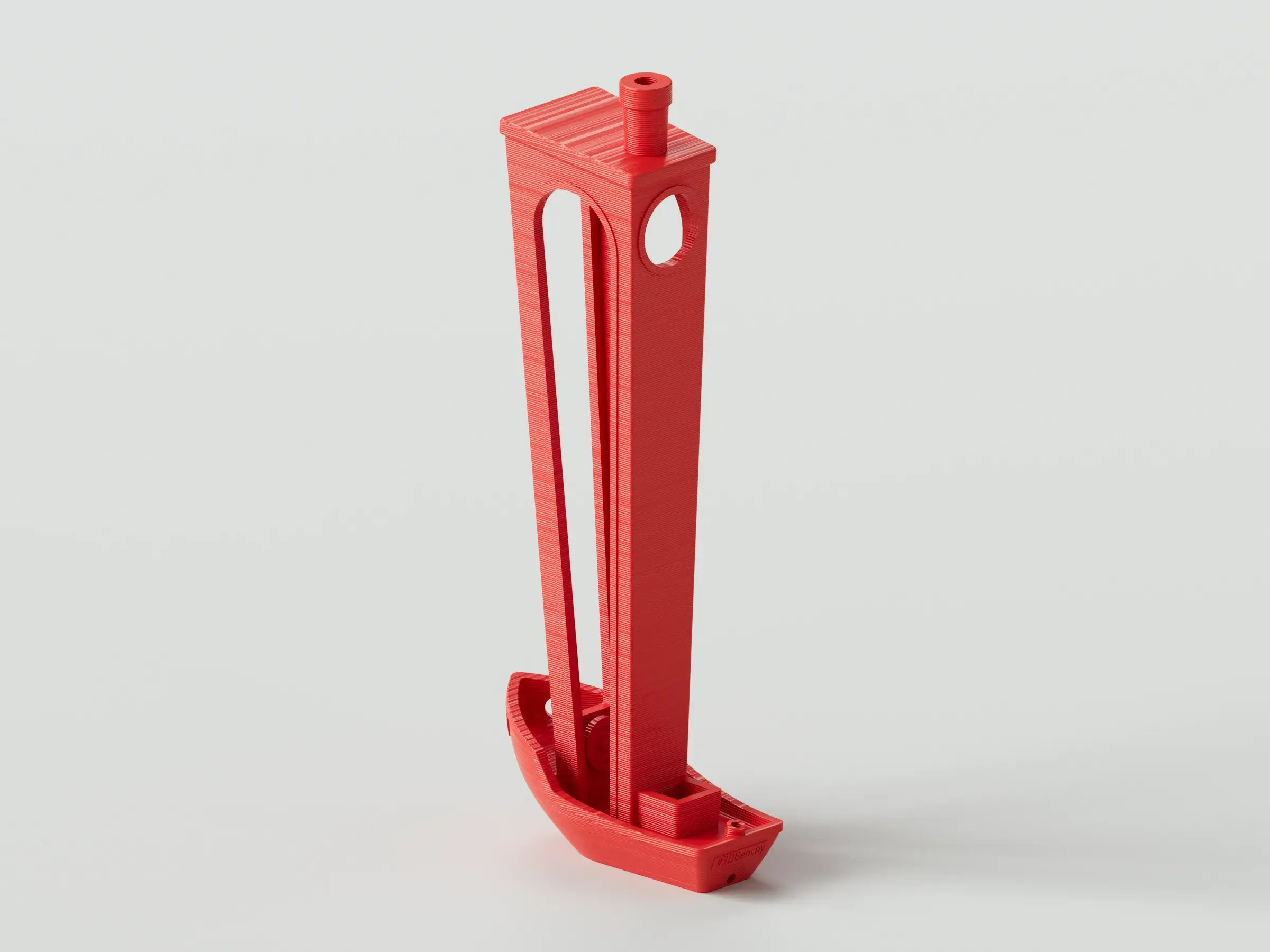
Model Overview & Print Notes
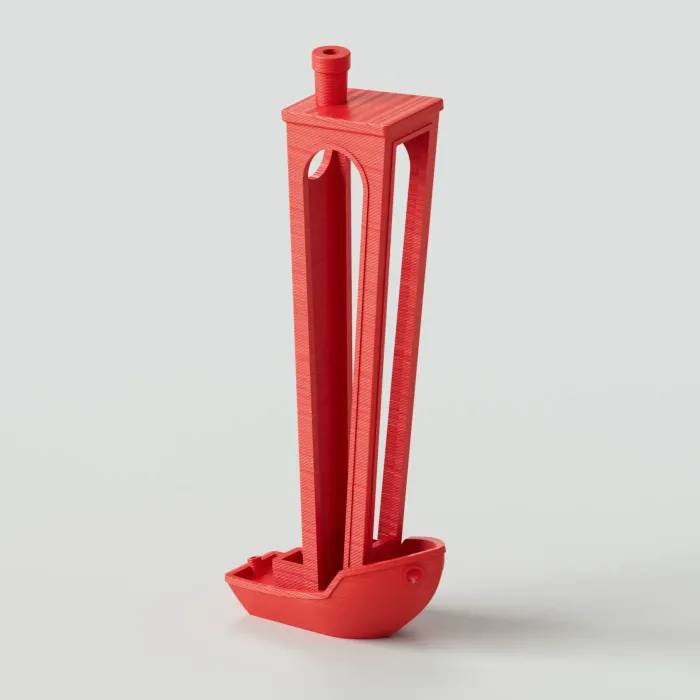
I designed this for everybody who loves a good Benchy, but wishes they took much longer to print, required supports, and were significantly more likely to fail. Does that not sound good to you? You're the weird one!
I initially tried printing this bad boy with no supports. It went poorly! So I would strongly suggest using the provided breakaway support file. It's very easy to use:
• After dragging the “Tall Benchy” STL into your slicer, right click on the model, hover over Add Part, and click Load.
• Select the “Tall Benchy Imported Support” STL, and click Open.
• I also turned my Lift Height up to 1.0 mm in my Printer Settings and turned my print speed down to 60% on my printer to decrease the likelihood of print failures.
• It's that easy, make sure supports are turned off and you're ready to print.
I don't know if anyone will actually print this, but if you do, please leave a picture showing how it turned out. I'm always stoked to see people printing my work, even something as silly as this.



💬CrealityCloud Community Comments(...)
★CrealityCloud Original Reviews