


Download, slice and print this model in the MakerSpell app — available on Android and Windows. Get the app
Model Overview & Print Notes
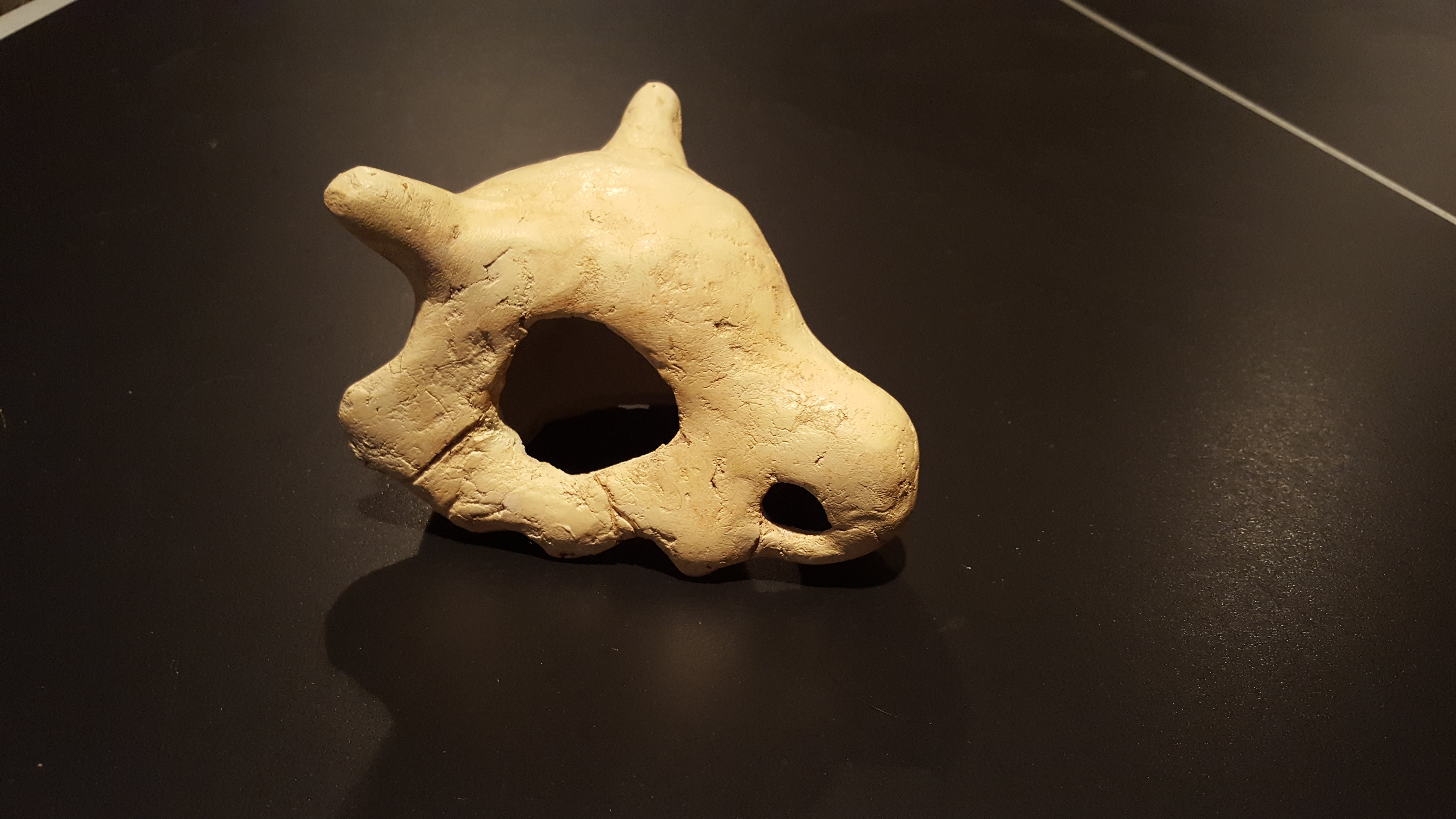
Summary All I did was some post processing. Thanks to Bluebie the creator. Print Settings Printer Brand: MakerBot <p class="detail-setting printer"><strong>Printer: </strong> <div><p>MakerBot Replicator 2X</p></div></p> <p class="detail-setting rafts"><strong>Rafts: </strong> <div><p>No</p></div></p> <p class="detail-setting supports"><strong>Supports: </strong> <div><p>Yes</p></div></p> <p class="detail-setting resolution"><strong>Resolution: </strong> <div><p>0.2mm</p></div></p> <p class="detail-setting infill"><strong>Infill: </strong> <div><p>2%</p></div></p> <br> <p class="detail-setting notes"><strong>Notes: </strong> </p><div><p>My build time was about 7 hours and I used CuteQueen's white filament.</p></div> Post-Printing <p class="detail-caption"><strong>Post Processing</strong></p> <p class="detail-title"><strong>Finishing</strong></p> <div><p>1)Sand down with a grit of 120 to 400<br>2)Cover Print in a wood filler for a bone texture and look<br>3)Lightly sand down rough parts with 400 grit sand paper so flaws are still visible<br>4)Prime for painting<br>5)Paint a light yellow brown<br>6) Weather using water down brown paint and remove after it had some time to sit</p></div>
💬Baskı İncelemeleri & Yorumlar(0)
★4.9 / 5.0· Başarılı Baskı