
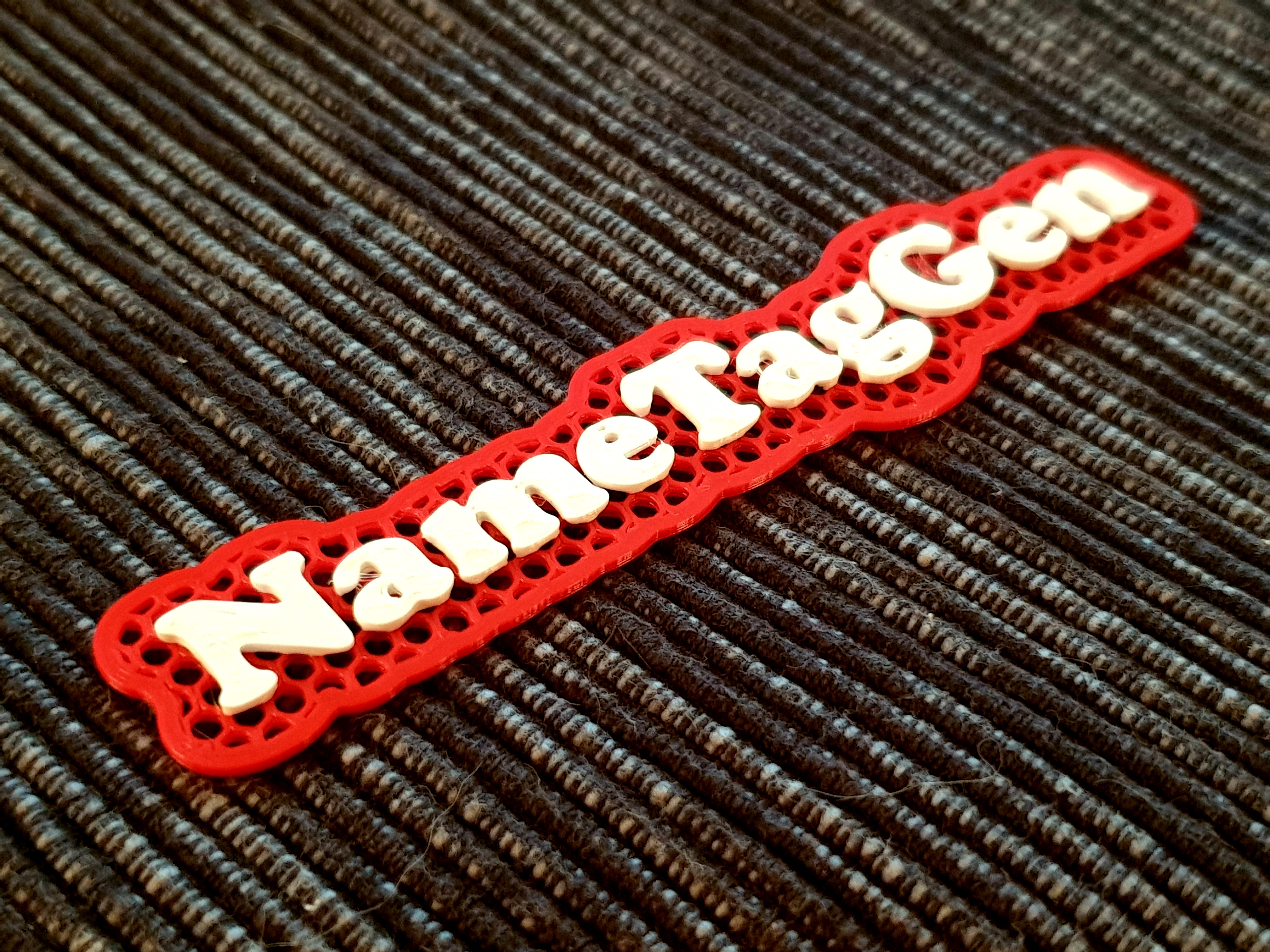

Name Tag Generator for Christmas gifts
Download, slice and print this model in the MakerSpell app — available on Android and Windows. Get the app
Model Overview & Print Notes
Instructions Install OpenSCAD (don't worry it's free and simple) Download NameTagGenerator.scad (below) and open it Edit name variable and then hit F5 followed by F6 (render), finally export the .STL file. Open NameTagGenerator.3mf project in PrusaSlicer and import generated .STL The bottom part use feature: Height range modifier with this settings : Settings for height range: Start at height: 0 mm Stop at height: 1 mm Layer range Settings to modify: Layers and Perimeters: Bottom: 0 Perimeters: 3 Top: 0 Then change Infill in Print Settings : Fill density: 30% Fill pattern: Honeycomb The settings should look like this in the screenshot below: Finally export .gcode and print your tag(s) with your 3D printer ;) Feel free to contact me via comments if you want any help or suggest improvments! TODO for the ve next version I'm very sure that the whole process can certainly be automated. For example Python script can automatically generate .SCAD code, export .STL and then generate .GCODE in PrusaSlicer from just a list of names in a text file as the only input, but on my Windows 10 I haven't yet figured out how to control OpenSCAD via the command line also PrusaSlicer with modificators via the command line too. Merry Christmas and Happy New Year!