

Ender 3 V3 SE/KE Bed Leveling Shims

Download, slice and print this model in the MakerSpell app — available on Android and Windows. Get the app
Model Overview & Print Notes
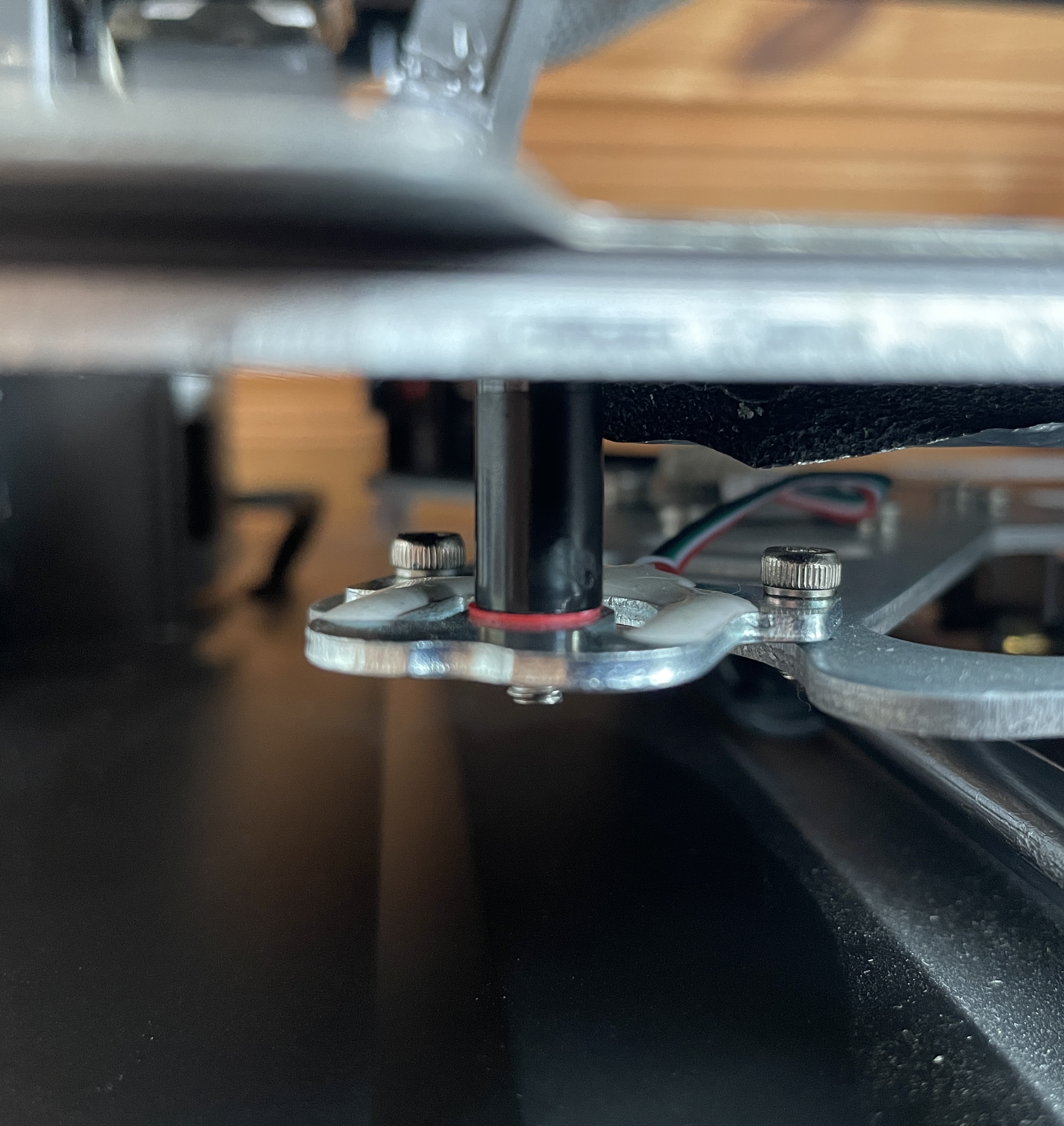
If you encounter significant variations in bed level, especially in one of the corners, consider printing these shims and placing them under the bed supports. By doing so, your bed level will greatly improve and become easier to adjust. In one corner, I had a discrepancy of -0.61, while all the other corners measured -0.10. I added a 0.5mm shim, and now they are all nearly equal. Print with a layer height of just 0.1mm. Install them under the bed supports, on the non-heated side , like shown in the picture. First take a look, which of the 4 corners is the highest, as you can only bring the plate up, not down. In relation to the highest corner, try to match the other 3 corners the same height and run auto-level again. Adjust further, if needed.
💬Baskı İncelemeleri & Yorumlar(0)
★4.9 / 5.0· Başarılı Baskı