
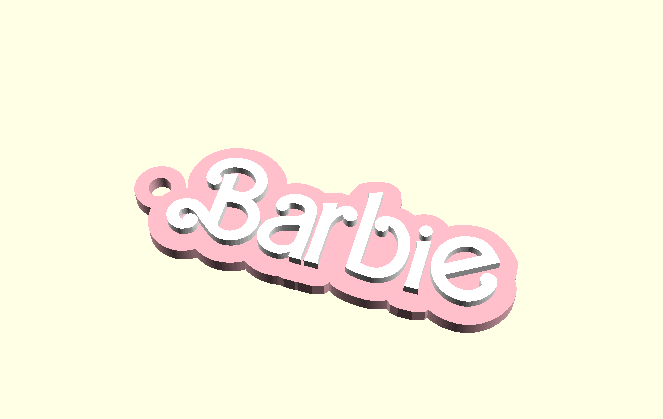

Barbie Edition - Custom Name Tag/Keychain

Download, slice and print this model in the MakerSpell app — available on Android and Windows. Get the app
Model Overview & Print Notes
ALERT: If you use letter ‘g’ then change $fn=32 to $fn=15 This is a custom name tag / key ring charm generator using OpenSCAD with Barbie theme. These tags can be used for bags, phone charms, luggages, key chains, etc. Steps to Create a Custom Keychain Name Tag: Download and install OpenSCAD from the official website here . Extract the contents of the downloaded OpenSCAD zip file into a folder of your choice. Ensure that the "Barbie.ttf" font file is placed in the same folder as the OpenSCAD script ("Barbie.scad"). This font is required for creating custom text. Launch the OpenSCAD application from the extracted folder. In the OpenSCAD interface, locate the Customizer panel. Enter your desired text and adjust the size to customize your name tag. Press the F5 key or navigate to "Design" > "Preview" to see a preview of your customized name tag design. Once you're satisfied with the preview, render the final design by pressing F6 or going to "Design" > “Render.” Select "File" > "Export" > "Export to STL/3MF" to export the finalized design as an STL or 3MF file. Choose a location and save the file with a suitable name, such as “CustomKeychain.stl.” Start the 3D printing process to create your custom keychain. Share Your Creation: Share your custom keychain design with friends, family, and Printables Makes. based on @chiz_m openscad file