

Download, slice and print this model in the MakerSpell app — available on Android and Windows. Get the app
Model Overview & Print Notes
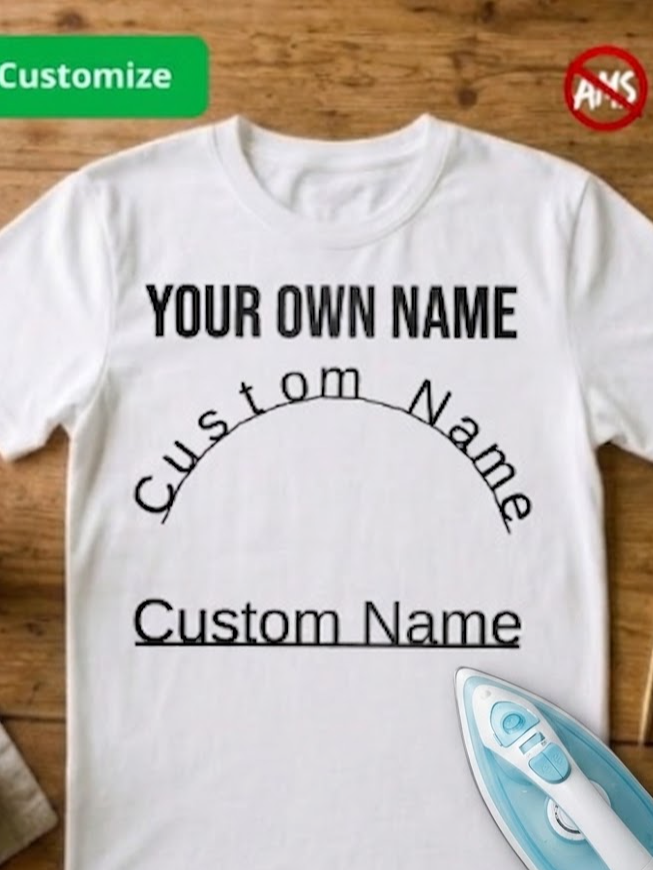
1. Give your T-shirt a personal touch with this 3D iron-on design. It allows you to easily create custom text and transfer it directly onto your shirt using an iron. 2. A key feature of this design is the ability to customize the text immediately after clicking the "customize" button. Upon opening the downloaded file, you will see default text that you can freely modify—adjusting the content, size, and font. This lets you create a design featuring your name, nickname, a short slogan, or any other text you choose. 3. The material is 0.3 mm thick, making it easy to iron onto the T-shirt. However, please handle it with care, as it can crack easily. 4. Using a heated iron, press the design onto the fabric, applying firm and even pressure for approximately 15–20 seconds. For larger designs, slowly move the iron across the entire surface to ensure even heat distribution. 5. For best results, wash the garment with the applied design at temperatures up to 50°C (122°F). Higher washing temperatures may weaken the bond and cause the design to gradually peel away from the fabric. Boost Me