


Download, slice and print this model in the MakerSpell app — available on Android and Windows. Get the app
Model Overview & Print Notes
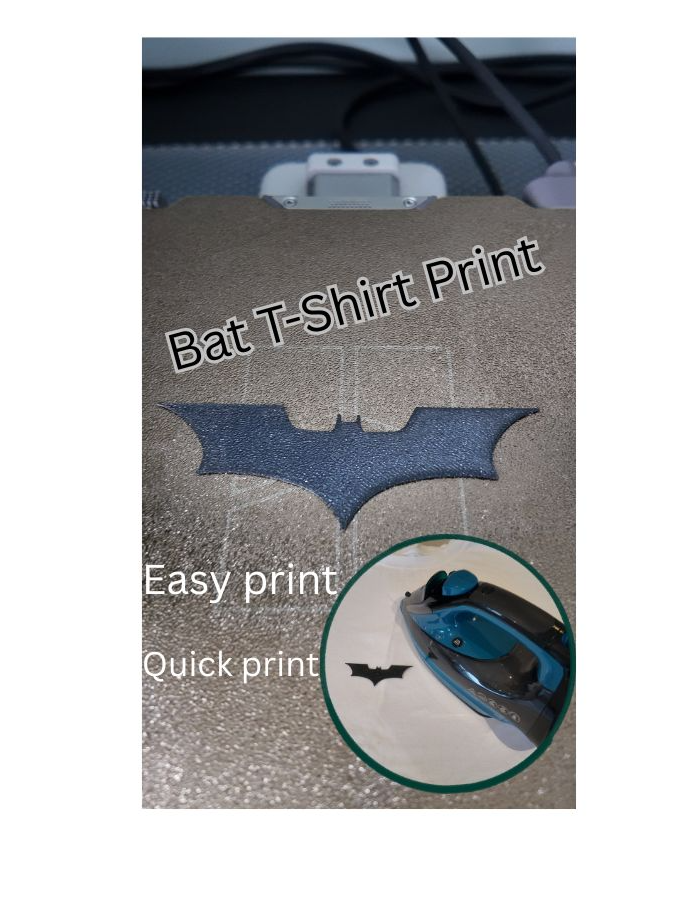
DESCRIPTION: Small quick 3d print to iron onto t-shirts. Creates a unique 3d print that combins 3d printing and fasion. Easy way to find your style INSTRUCTIONS -Download into bambu studio and print. -After printing ,carefully remove the 3d print of the build plate. be carefull it is only 0.3mm thick. -Set up an ironing board and then preheat the iron. -Put the t-shirt on the ironing board, then place the 3d print in a desighered area, and cover it with heat-resistant paper (e.g. baking/parchment paper) -Use the iron and press on the model for 15 to 20 seconds. -Wait a moment, then remove the paper, the 3d print should remain on the t-shirt. - (Optional) Turn the T-shirt inside out and iron the area where the model is applied for an additional 5–10 seconds. NOTE: - T-shirts with 3d prints should be washed at a temperature not exceeding 50°C (122°F) . Washing at higher temperatures may cause the model to peel off from the fabric.