
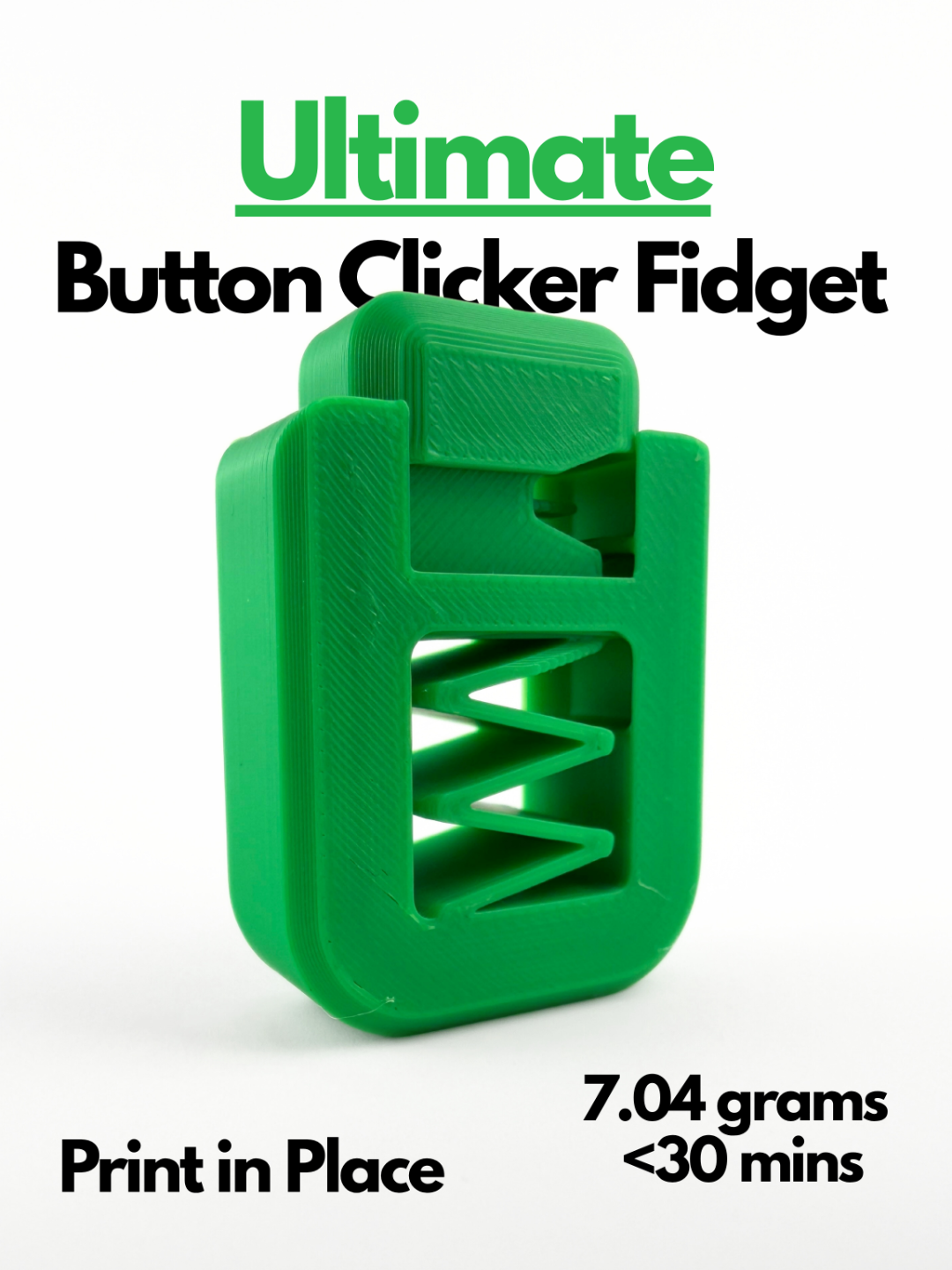

Ultimate Button Clicker Fidget (Print in Place)
Download, slice and print this model in the MakerSpell app — available on Android and Windows. Get the app
Model Overview & Print Notes
Please wait a few minutes to let the print cool before clicking! The spring may deform if it is still hot. This button clicker toy solves many of the main problems with other clickers. It works right off the print bed, no assembly or separating stubborn parts. This button clicker fixes the problem of the button not springing back up with specially designed clearances and mechanisms. It requires only 7.04 grams of filament and less than 30 minutes to print! Boost Me If you like this model, please consider boosting me. It helps out a ton :) Membership Want to sell my 3D printed fidget toys? Become part of my Commercial License Membership program! Printing Instructions: Prepare the Print Bed Clean the print bed thoroughly with isopropyl alcohol to ensure proper adhesion. Additional adhesive for the print bed is highly recommended! I suggest using 3D-Lac spray or a glue stick. Download the Print Profile Send the pre-configured print profile to your Bambu Lab printer through the Bambu Handy app or Download and open the pre-configured print profile in Bambu Studio. Select Your Printing Options Choose your filament type and color. Select your print bed type (e.g., textured or smooth). Confirm your printer settings, ideally for a Bambu Lab printer. Start Printing Begin the print job. No supports are necessary.