

Cults3DCults3D✓ Verified Model

Fidget Toy

mmOneCreator & Artist
View Source ↗
⬇ Downloads94
♥ Likes10
👁 Views4.4K
⚙ Print ReadyPrint Ready
📥model.downloadModel↗

Download, slice and print this model in the MakerSpell app — available on Android and Windows. Get the app

Model Overview & Print Notes

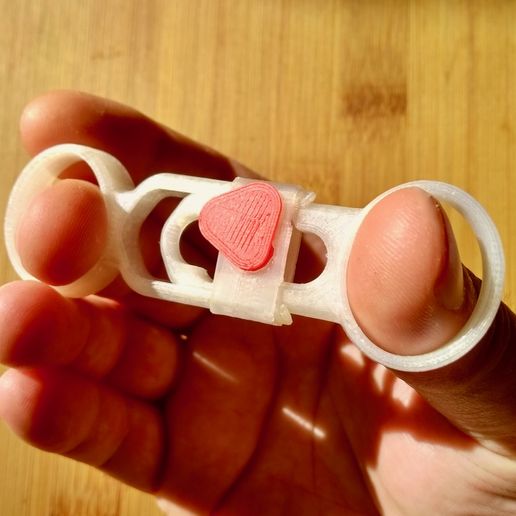
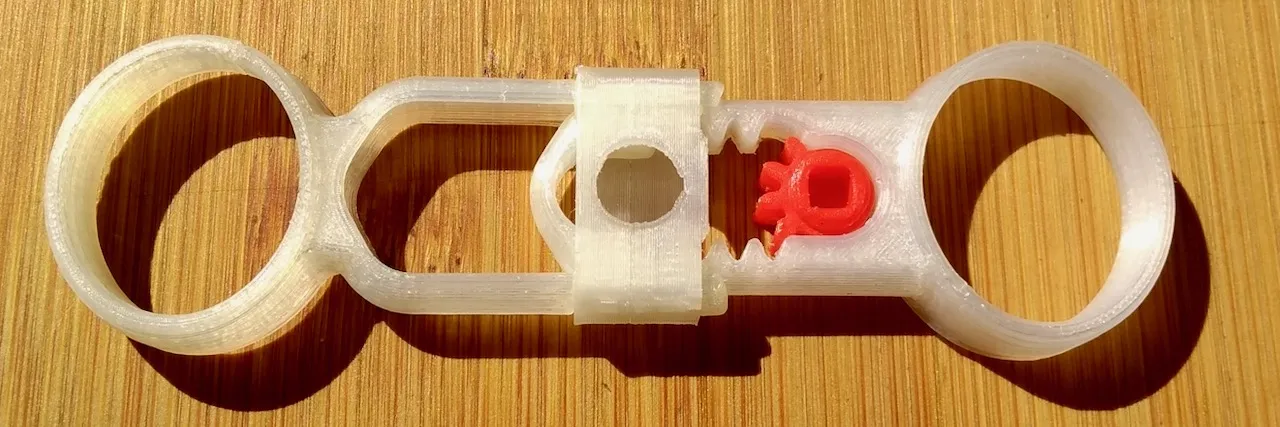
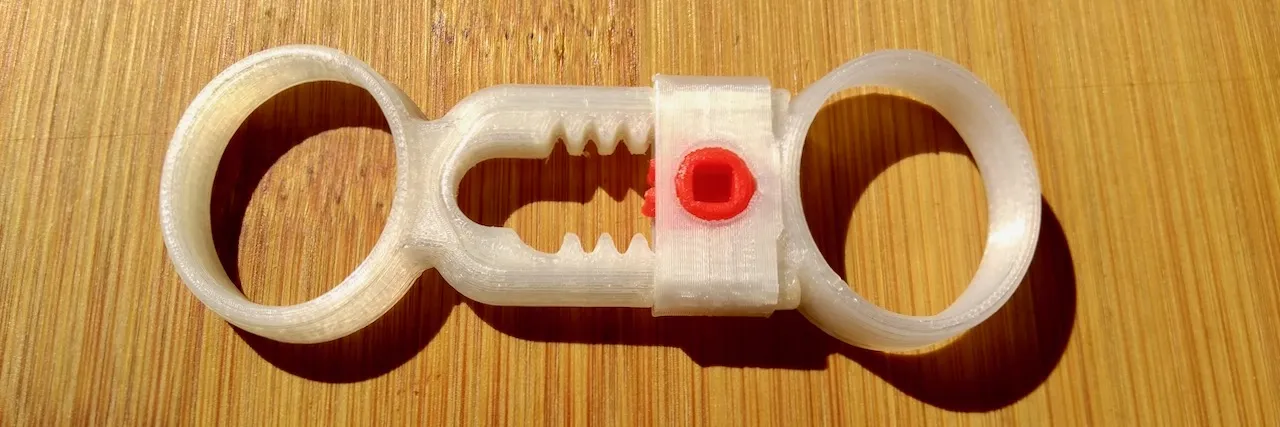
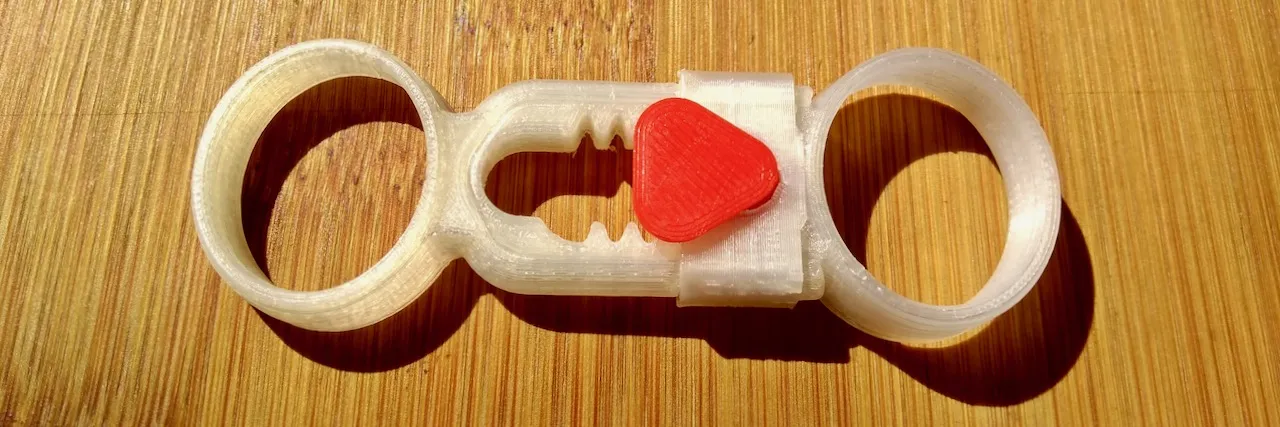
This little fidget toy demonstrates a rack and pinion gear that converts oscillating linear motion into continuous rotary motion. Lots of fun with just around 2m of filament. Assembly ------------------- ![Assembly step 1](https://images.cults3d.com/y1Lr35acjIcjTIR0zdi0R3u5aiI=/filters:format(webp)/https://files.cults3d.com/uploaders/13849581/illustration-file/33d546e9-f160-4d69-a582-78d8dd07eb9e/assembly-1.jpeg) Slide the sleeve over the outer slider with the small tab facing to the outside as shown. Place the gear in the slot as pictured. ![Assembly step 2](https://images.cults3d.com/O2s_RUc-lWHPnnA18D8p5SHdRFA=/filters:format(webp)/https://files.cults3d.com/uploaders/13849581/illustration-file/3df24606-73d8-4485-b5c3-412e229fc670/assembly-2.jpeg) Use the slider to push the gear under the sleeve. Lift the tab with a tool if necessary. ![Assembly step 3](https://images.cults3d.com/UILmJ93f-5_t27H0ghE7rNRyF0E=/filters:format(webp)/https://files.cults3d.com/uploaders/13849581/illustration-file/e3605ab4-a285-494d-a8e6-5b8f93b30d46/assembly-3.jpeg) Insert the flag to point towards the inside when the fidget toy is closed. *Happy Printing and Fidgeting!* ## 3D Printing Settings
Files (7)

STL
inner-slider.stl
Geometry Asset
STL
outer-slider.stl
Geometry Asset
STL
sleeve.stl
Geometry Asset
STL
flaged-gear.stl
Geometry Asset
STL
flag.stl
Geometry Asset
STL
no-flag-gear.stl
Geometry Asset
STL
plate.stl
Geometry Asset

💬Baskı İncelemeleri & Yorumlar(0)

★4.9 / 5.0· Başarılı Baskı
🔍 Search Similar Models →